How to Activate Kick Drops in Rust
1️⃣ If you are logged into another Kick account before linking — you need to log out of it on this page: https://kick.com/
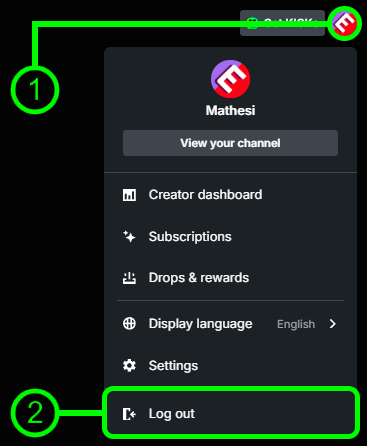
2️⃣ After purchase, you received the login, password, and a link for generating the 2FA CODE. Use these details to log into the Kick account on this page: https://kick.com/

3️⃣ Successfully logged into the KICK account? Now open the account linking page: https://kick.facepunch.com/connect
4️⃣ First, link your Steam account where you want to receive the rewards: click “SIGN IN WITH STEAM”.

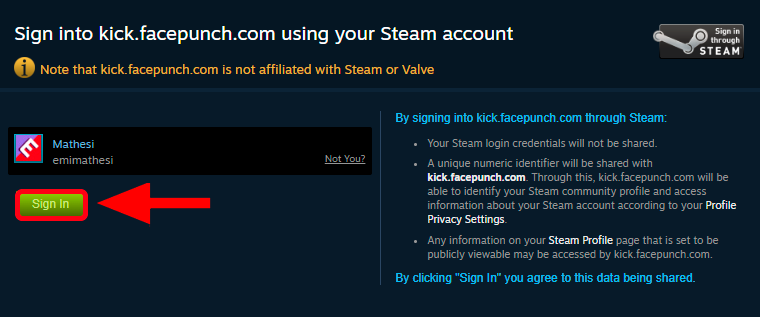
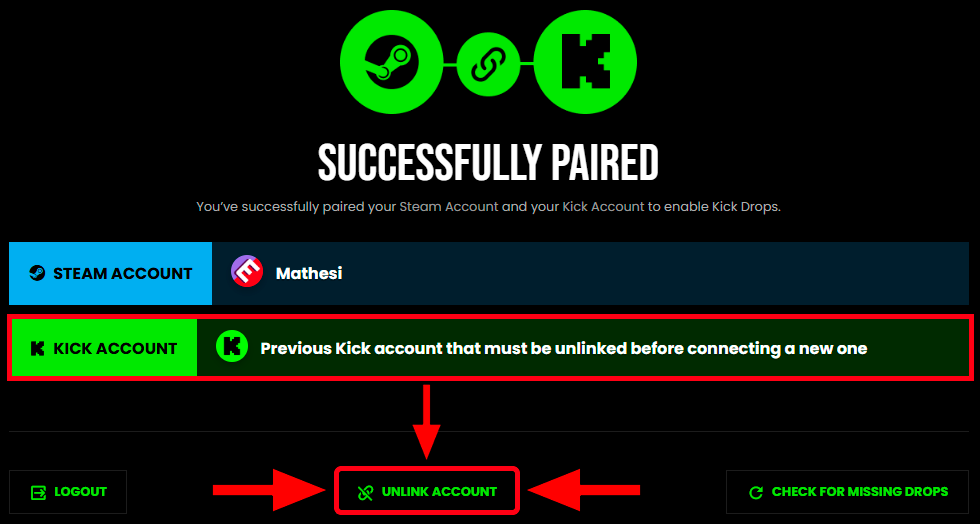
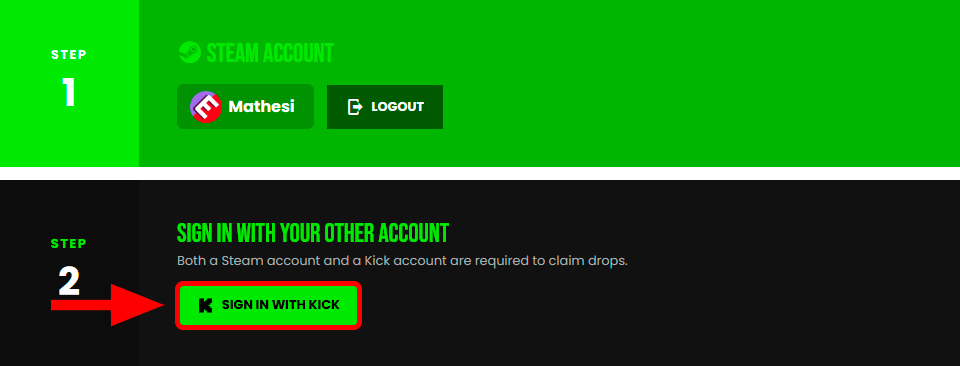
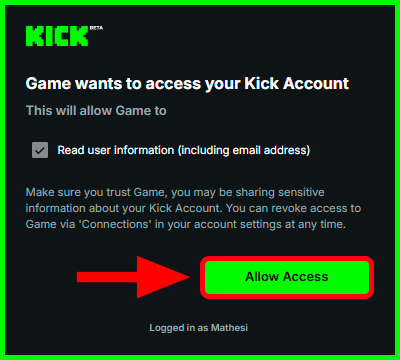
5️⃣ Linked your Steam account? Click “SIGN IN WITH KICK” → “Allow Access”.
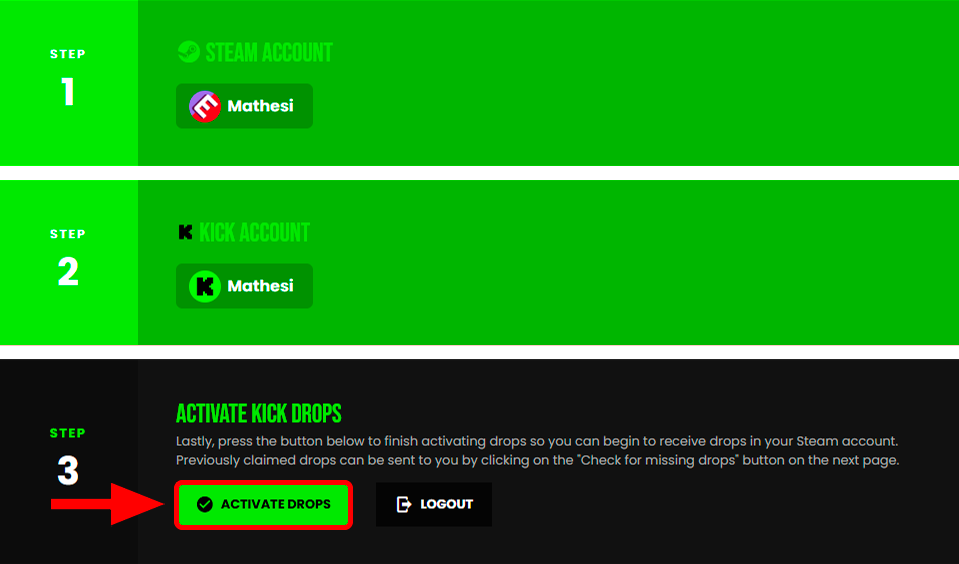
6️⃣ Now click “ACTIVATE DROPS”.
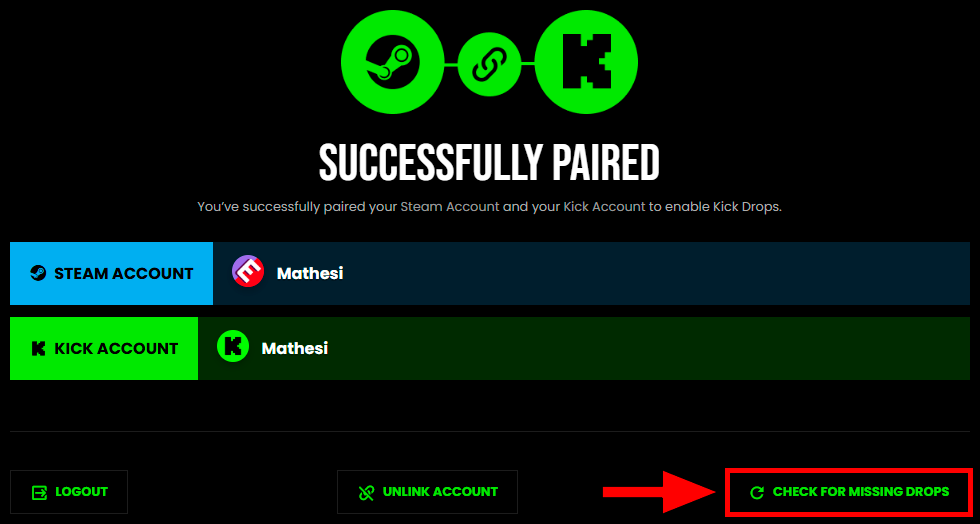
7️⃣ Click “CHECK FOR MISSING DROPS”.
8️⃣ If you see the message: “attempting to give your steam account X kick drops...” — everything worked successfully. Restart the game and check if the rewards appeared in the in-game inventory.
